 Solon
Solon
Addresses that always work
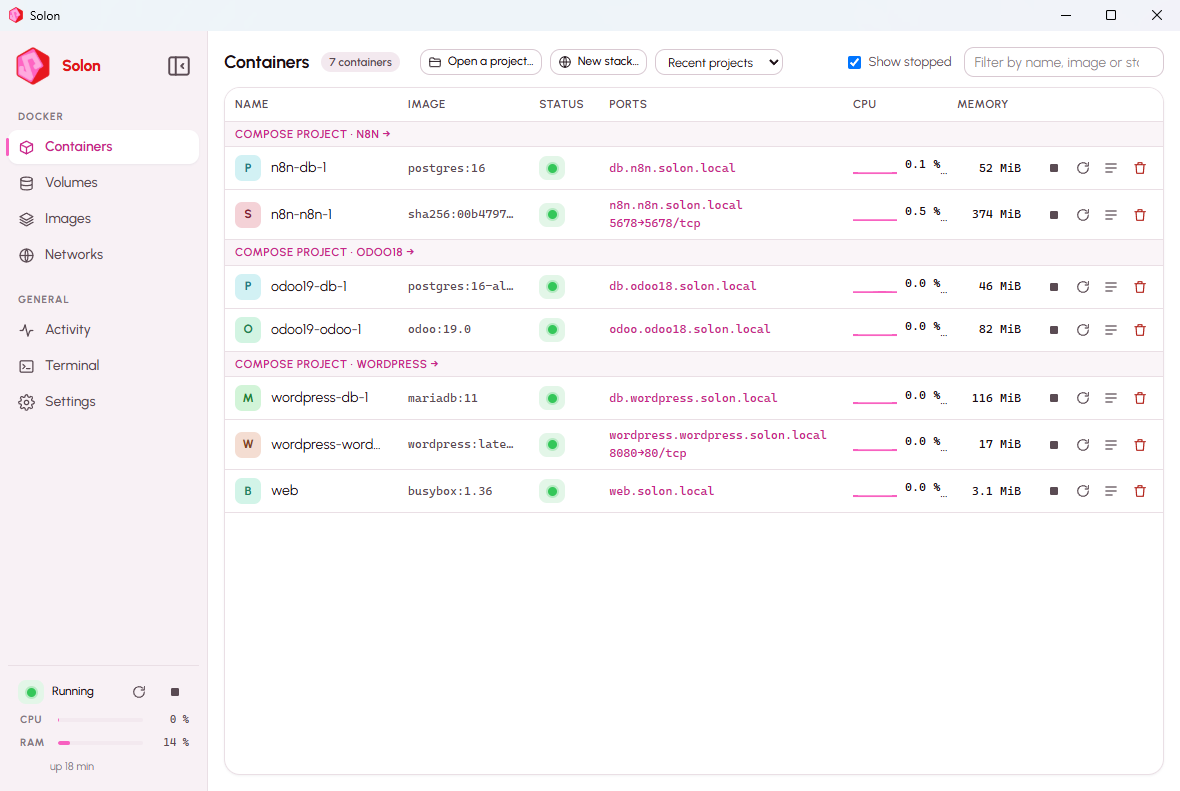
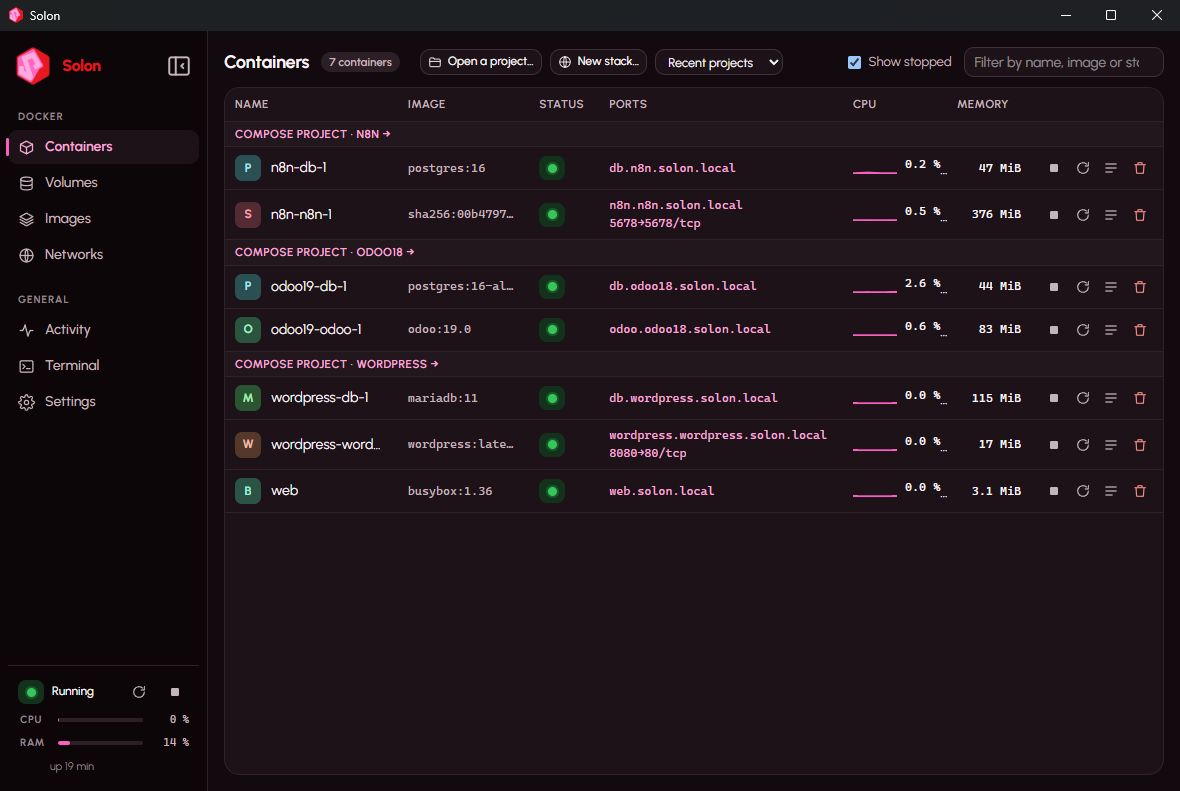
Every container answers at https://<name>.solon.local, published port or not, with a certificate your browser trusts. Compose services get <service>.<project>.solon.local.
Solon is a standalone container manager: one installer, a complete Docker engine running in a tiny Linux machine that Solon creates and manages itself. No licence, no telemetry, no WSL.
Solon_0.1.13_x64-setup.exe · 103 MB · SHA-256 8d360b243c4905bfdbb90376ab2ccfee8d4aa8f720e4d8321936241233ea9c69 · Releases
Windows 11 or 10 22H2, Pro / Enterprise / Education, hardware virtualization enabled. Check the SHA-256 published with each release.
The installer is not signed yet: SmartScreen shows a warning, choose “More info” then “Run anyway”. Code signing through the SignPath Foundation (free signing for open-source projects) has been requested; releases will be signed as soon as the project is accepted.
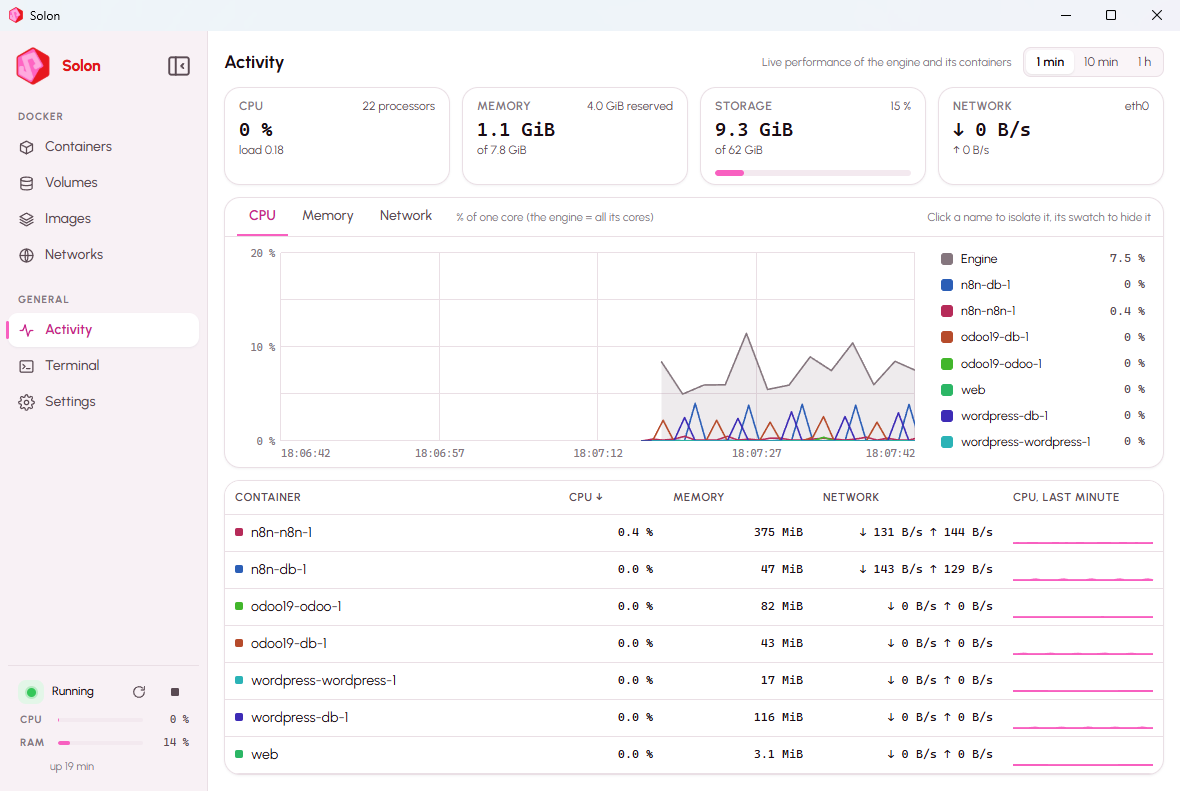
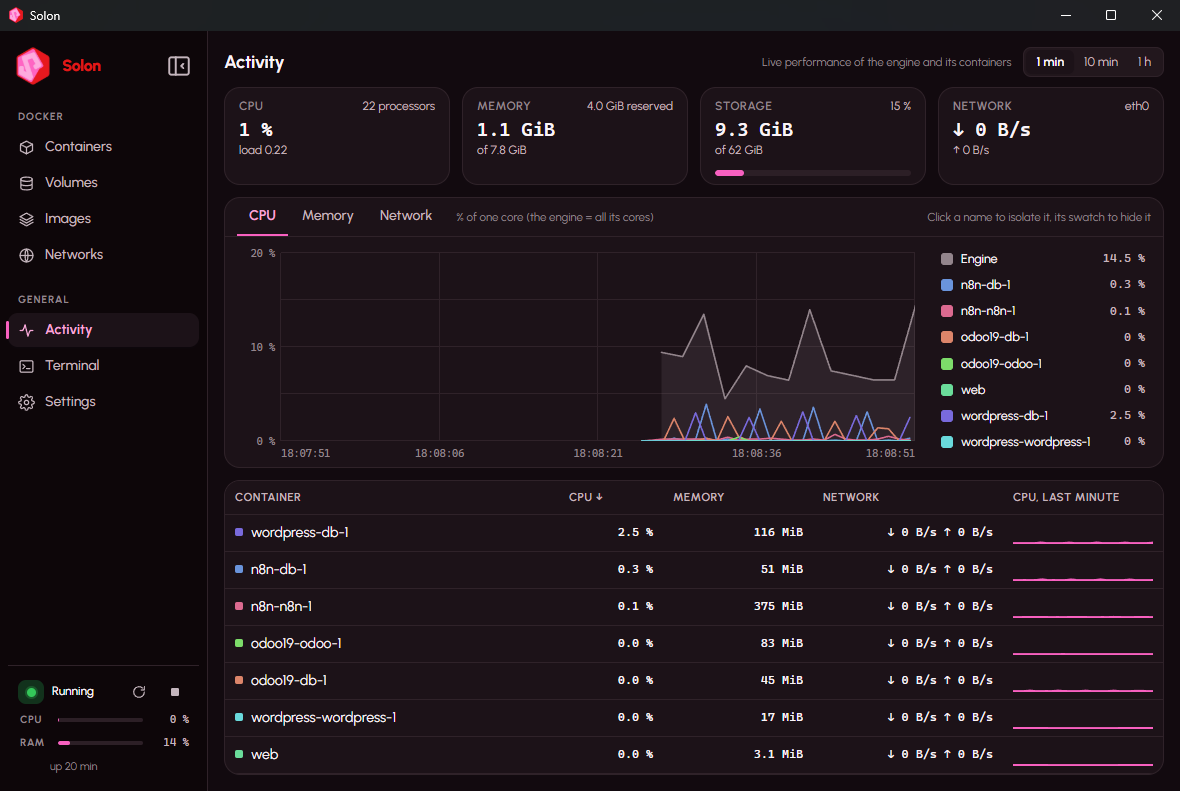
Every container answers at https://<name>.solon.local, published port or not, with a certificate your browser trusts. Compose services get <service>.<project>.solon.local.
Folders mounted into containers go through solonfs, Solon's own file sharing: 3.6 to 94× faster than the 9P sharing used by WSL2 and Docker Desktop.
A container that receives no traffic for ten minutes is paused; the next request wakes it in a fraction of a second. Databases that only talk internally are never touched.
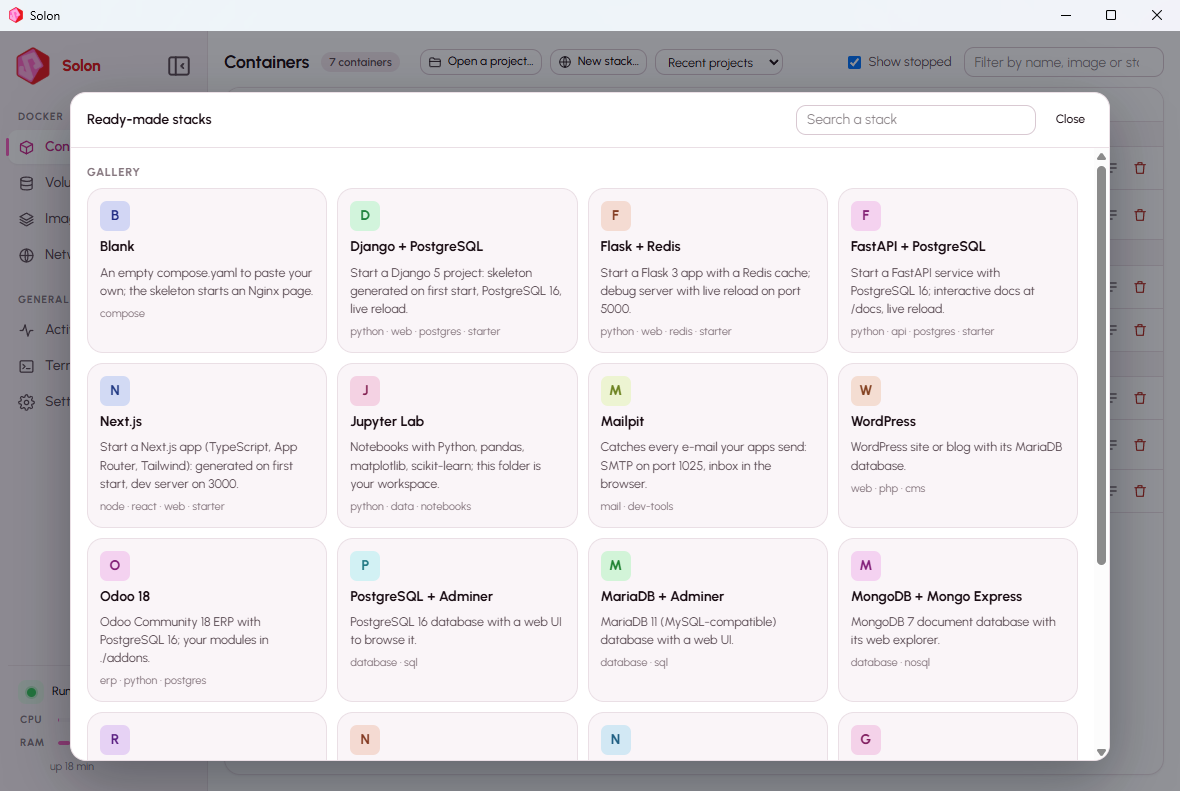
WordPress, PostgreSQL, MariaDB, MongoDB, Redis, n8n, Nextcloud, Ghost, Gitea, Jupyter Lab, Mailpit… and starter kits for Django, Flask, FastAPI and Next.js that generate a project on first start.
Open a folder, Solon detects the stack or proposes one. Services, merged logs, Up / Down / Rebuild, and the compose file editable in place with Save and Up.
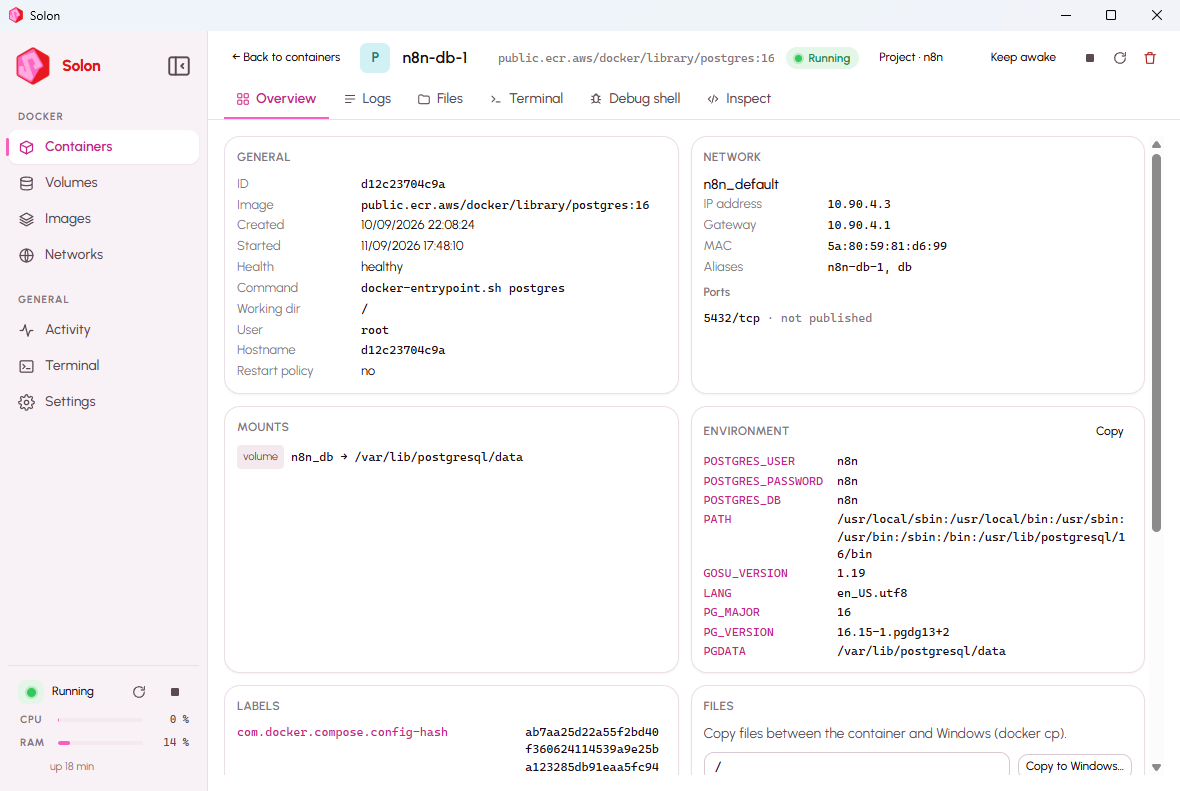
Files tab with drag-and-drop, terminal, debug shell that works even in images without a shell, live CPU, memory and network charts per container. VS Code Dev Containers work as is.
Same machine (Windows 11 Pro, 24 logical cores), same Compose stack (a Python web app and PostgreSQL 16), default settings on both sides. Docker Desktop 4.66.1 was measured on 3 September 2026, then uninstalled; Solon 0.1.0 was re-measured on 10 September 2026 with the script in bench/.
| Docker Desktop | Solon | |
|---|---|---|
| Engine ready after start | 6.1 s | 2.6 to 3.4 s |
| Memory at rest, no container | 1,998 MB | 430 to 520 MB |
| Memory with the stack running | 5,146 MB | 1,196 MB |
| compose down then up -d | 7.1 s | 5.2 s |
| The web app answers after up | 1.5 s | 1.0 to 2.5 s |
| Login page, average of 5 | 27 to 46 ms | 48 to 88 ms |
| Initialise the database with sample data (CPU) | 13.6 s | 12.9 to 13.4 s |
| Synchronous writes on a volume, fdatasync / fsync | 154 / 79 ops/s | 240–290 / 132–137 ops/s |
| Windows folder, 5,000 files: listing / attributes / reads / writes | 9P | 6.6× / 94× / 3.6–9× / 4× faster |
Honestly: Solon wins on what costs you every day (start-up, memory, files, disk writes); on pure CPU work the two are equivalent; web latency is the same. Reproduce it with bench/bench.ps1. bench/
Solon measured on 13 September 2026 with three containers running; Docker Desktop measured on the same machine; Podman Desktop and Rancher Desktop from their documentation (published, not measured here).
| Solon | Docker Desktop | Podman Desktop | Rancher Desktop | |
|---|---|---|---|---|
| Installer | 102 MB | ≈ 600 MB (published) | ≈ 100 MB + WSL machine (published) | ≈ 500 MB (published) |
| Installed on disk | 406 MB | 6 GB required (published) | 500 MB + 2–10 GB of images (published) | not published |
| Memory at rest, no container | 430 to 520 MB | 1,998 MB | WSL 2 machine, up to 50 % of RAM (published) | half of CPU and RAM by default (published) |
| Memory with a web app + PostgreSQL | 1,196 MB | 5,146 MB | not measured | not measured |
| Needs WSL 2 | no | yes, or legacy Hyper-V | yes | yes |
Solon as of 0.1.12; the others as documented in September 2026. “Partial” means the feature exists with a caveat.
| Solon | Docker Desktop | Podman Desktop | Rancher Desktop | |
|---|---|---|---|---|
| Official docker CLI and Compose, no alias | yes | yes | partial: compatible socket | yes (moby) |
| Works without WSL 2 | yes | partial: legacy Hyper-V | no | no |
| Windows Home | yes | yes | yes | yes |
| https://service.project.solon.local for every container, trusted certificate | yes | no | no | no |
| Projects page: address, environment, ports checked before Up, filtered logs | yes | partial: Compose list | partial: Compose list | no |
| One environment per Git branch, volumes copied | yes | no | no | no |
| Project backup and restore, volumes included | yes | partial: extension | no | no |
| Idle containers paused, woken on demand | yes | partial: whole machine (Resource Saver) | no | no |
| Windows folders shared with solonfs, 4 to 94× faster than 9P | yes | no: 9P | no: 9P | no: 9P |
| Find Compose projects on the disk | yes | no | no | no |
| VS Code Dev Containers | yes, verified | yes | partial: path setting | yes |
| Kubernetes built in | no | yes | partial: extensions | yes (K3s) |
| Windows containers | no | yes | no | no |
| Extensions marketplace | no | yes | yes | no |
| Free for companies | yes (Apache 2.0) | paid above 250 employees or $10M | yes | yes |
| Signed installer | not yet | yes | yes | yes |
“New stack…” opens a gallery. Pick one, choose a folder, review the generated compose.yaml, “Create and start”. Opening a folder without a Compose file makes Solon look at what it contains and propose an environment.
The project folder is mounted in the container; on the first Up a small script installs the dependencies, generates the official skeleton if the folder is empty, then runs the development server with live reload. Nothing to install on Windows.
Every release ships the installer and its SHA-256. Installing over a previous version keeps your images, containers and volumes.